Home page
ScriptRunner Connect logo consisting of a pink circle with a white letter C inside

ScriptRunner Connect: Teams

Collaborate in shared workspaces to align on integrations for a faster time-to-value.
Circular infographic-style image showing three people working on laptops, each in a coloured circle, connected by looping arrows. Around them are simple icons—a calendar, speech bubble, charts, a dashboard, and code—suggesting collaboration, communication, and data flow in a continuous workflow.

Collaborative workspace management

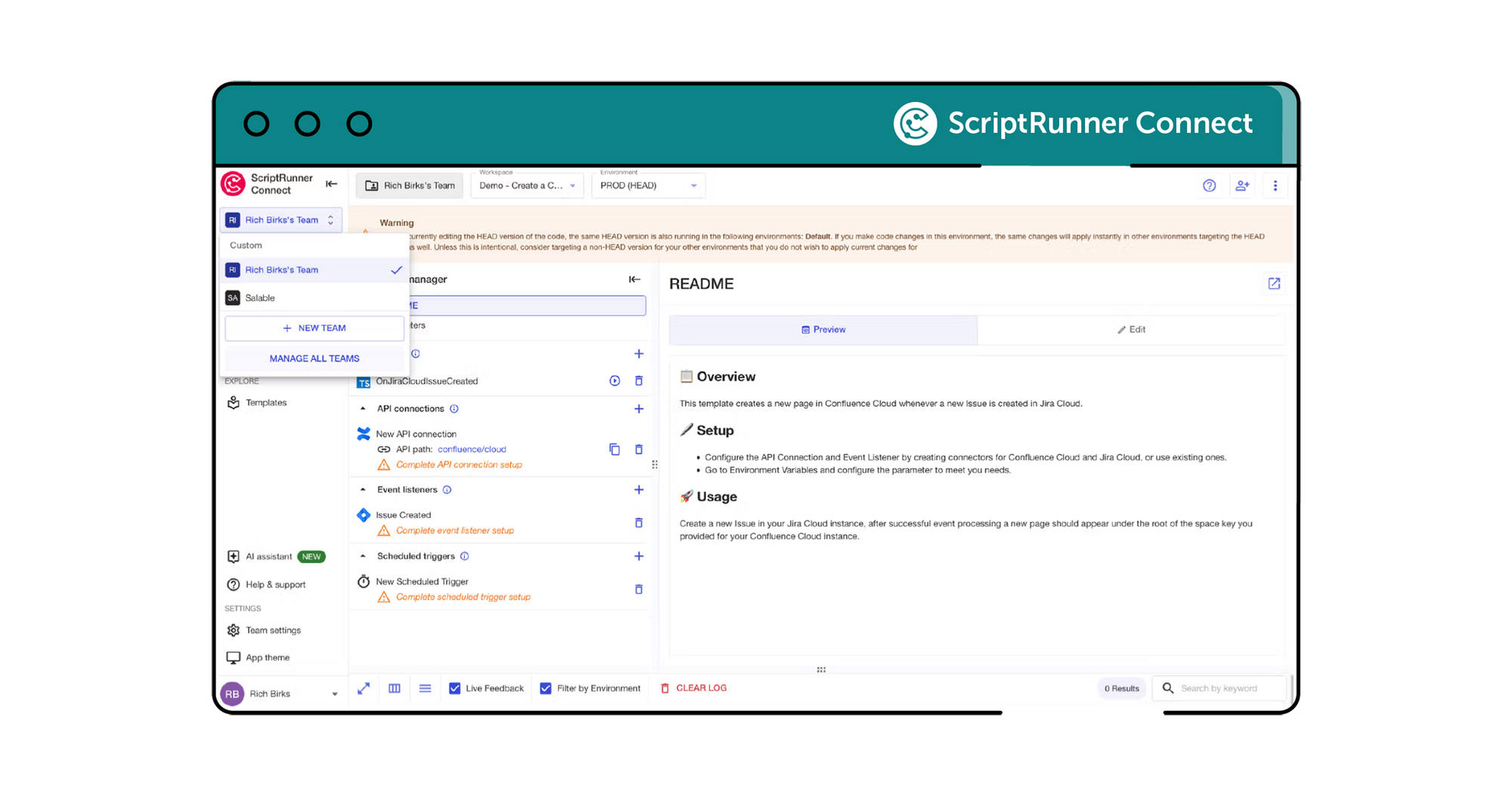
Teams in ScriptRunner Connect allow colleagues and clients to collaborate in a shared space. While only one member can edit a workspace at a time, others can view it in read-only mode and easily take control if needed, ensuring smooth and organised teamwork.
ScriptRunner Connect collaborative workspace

Centralised team oversight

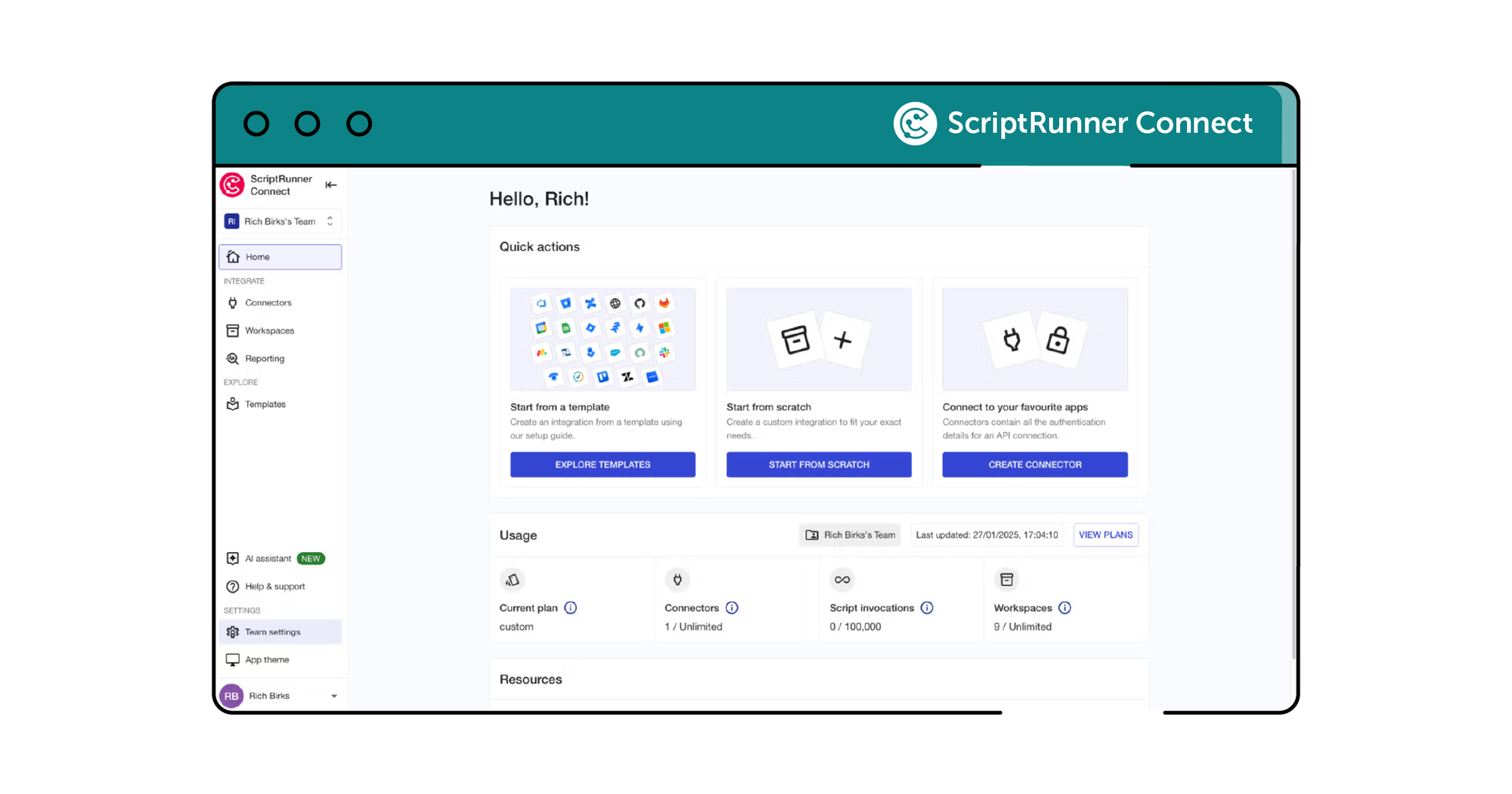
Manage your team's activities with a comprehensive dashboard that tracks connector usage, script invocations, and record storage. This centralised view helps you monitor and optimise team resources effectively across shared workspaces.
ScriptRunner Connect dashboard screenshot

Simplified team administration

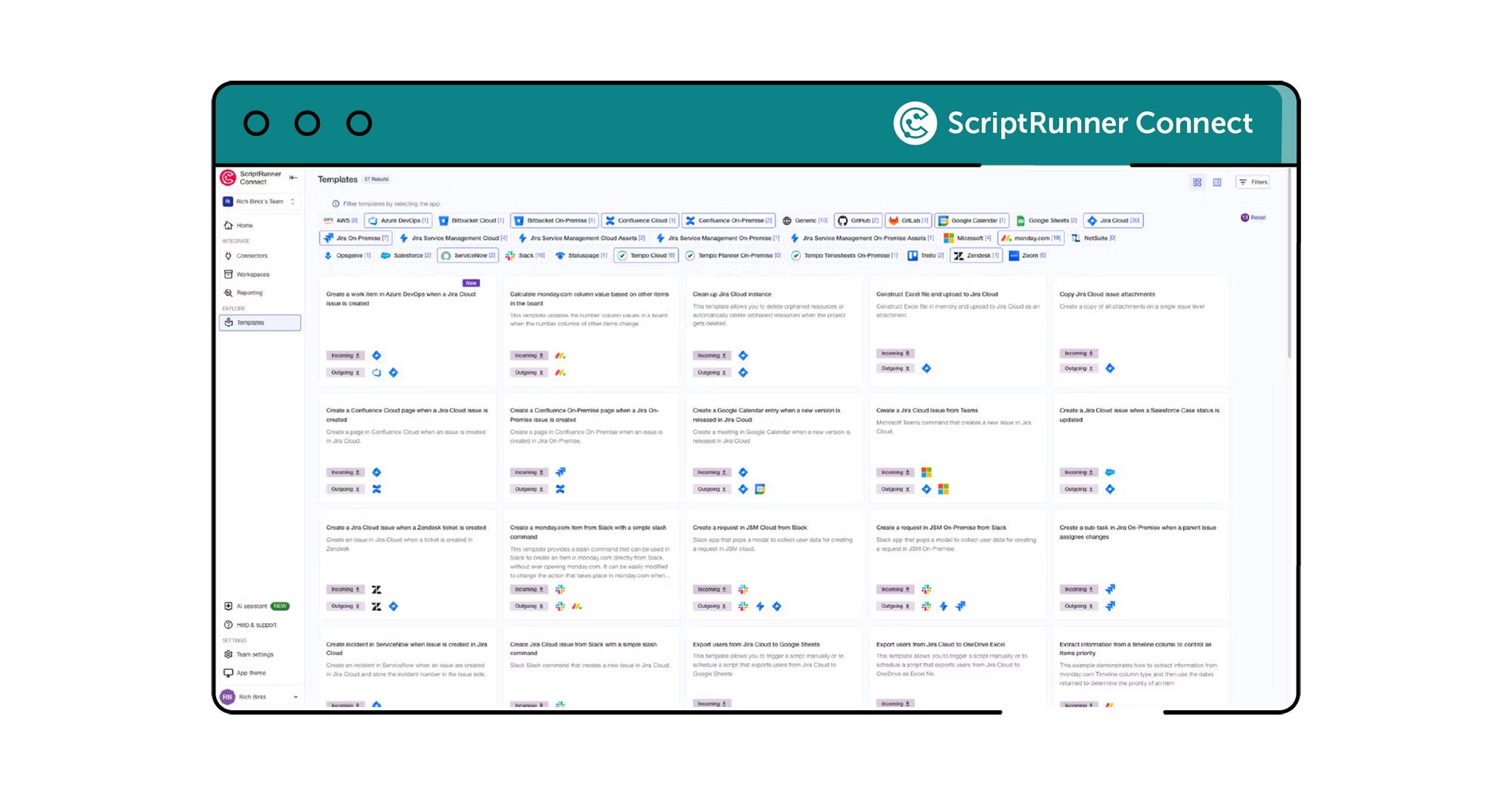
Easily manage team members, admins, and billing within a consolidated interface. ScriptRunner Connect’s team features simplify administrative tasks, making it straightforward to handle permissions, plans, and billing for all members in one place.
ScriptRunner Connect screenshot of various template options

Meet your Customer Success Team

Get a custom, private demo from one of our integration experts so you can chat freely about your specific challenges!


More where that came from

ScriptRunner Connect is filled with rich features to help teams like yours build your best-ever integrations.
Pink scripting code block icon with two yellow sparkles above it

Remote workspace (NEW)

Build and manage integrations from your own development environment.
Learn more
Icon of a computer monitor and table lamp

Workspaces

Use workspaces for building, managing, and collaborating on your integrations.
Learn more
Icon of a browser window with a book outline inside it

Templates

Kickstart integrations with pre-built templates for common automation, synchronisation, and migration use cases.
Learn more
Icon of a grey cog over a teal cloud

Managed API

Making coding easier for an awesome developer experience.
Learn more
Icon of a plug and socket inside a grey cog

Connectors

Manage integrations with pre-built Connectors and a Generic Connector for secure and automated authentication.
Learn more
Icon of a calendar with a clock outline inside it

Custom triggers

Choose from event-based triggers, manually triggering an integration script or time-based scheduled triggers.
Learn more
Pink lightning bolt icon inside a teal circle

AI assistant

Generate scripts, learn the product's full capabilities and find relevant out-of-the-box use case templates.
Learn more
Teal shield icon with a grey cloud symbol within it

Private cloud hosting

Run ScriptRunner Connect in your isolated AWS environment for maximum security.
Learn more
Icon of three colourful stars

US data residency

AWS-powered infrastructure for enterprise-grade security, reliability and performance.
Learn more
Icon of a white tick mark inside a teal circle

Security

Rely on the expertise and security-first credentials of the teams behind ScriptRunner.
Learn more

Sound like what you need?