Home page
ScriptRunner Connect logo consisting of a pink circle with a white letter C inside

ScriptRunner Connect: Managed APIs

Making coding easier for an awesome developer experience.
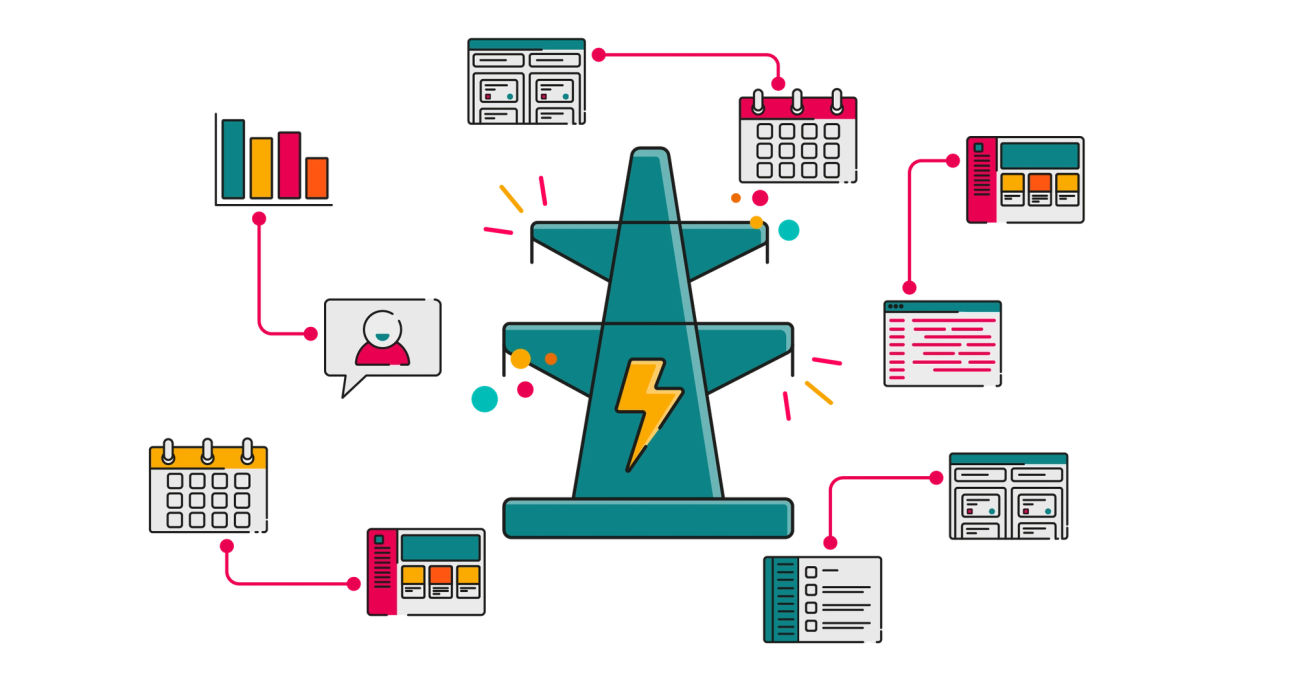
Illustration of a large teal power‑pylon shape with a yellow lightning bolt in the centre, representing automation or energy, surrounded by colourful line icons—calendars, dashboards, charts, code, user profiles, and lists—each connected to the pylon by pink lines, suggesting ScriptRunner powering and linking different tools and data.

Ensure consistent integrations

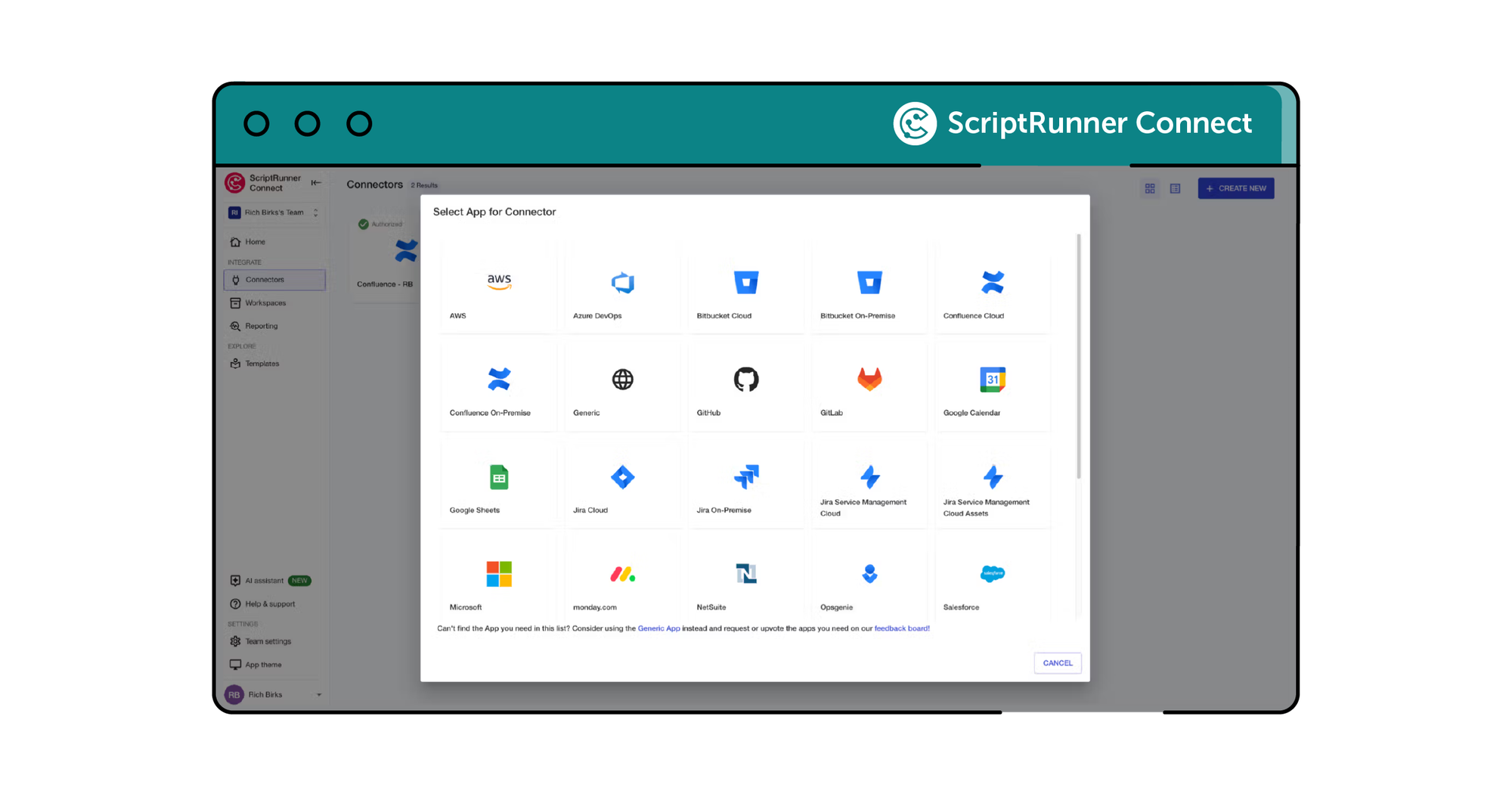
Managed APIs offer a uniform approach to building integrations. The Managed API is an API client that initiates API calls and interacts with API endpoints for the 20+ apps that we support, such as Jira, Confluence, monday.com or Slack.
ScriptRunner Connect screenshot showing different integration options

Simplify complex API calls

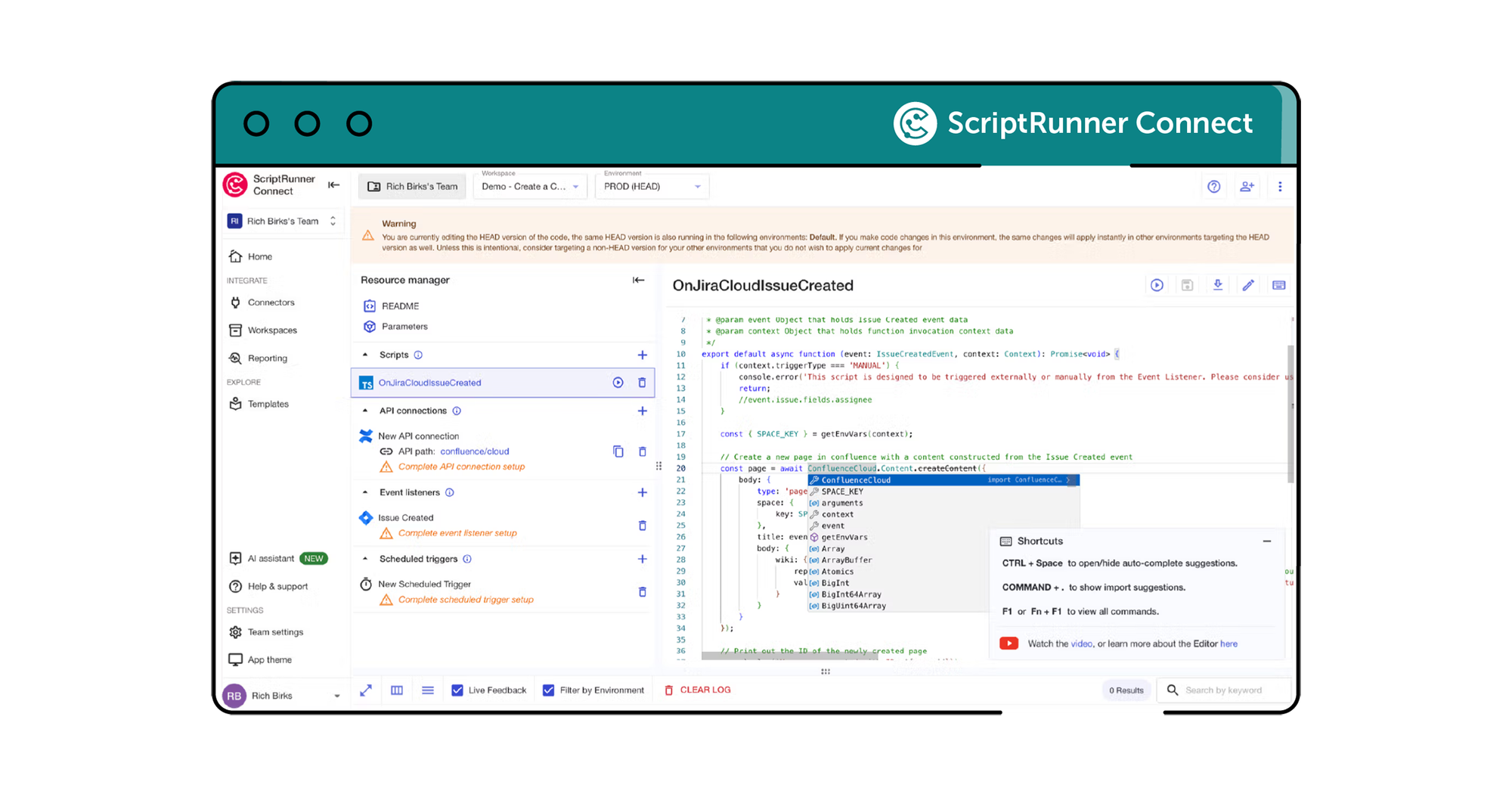
Reduce detailed API calls to a single, intuitive line of code. When writing code in our online editor an autocomplete dropdown appears to suggest simplified code to implement common actions in supported apps.
ScriptRunner Connect screenshot showing someone coding an API call

Enhance productivity

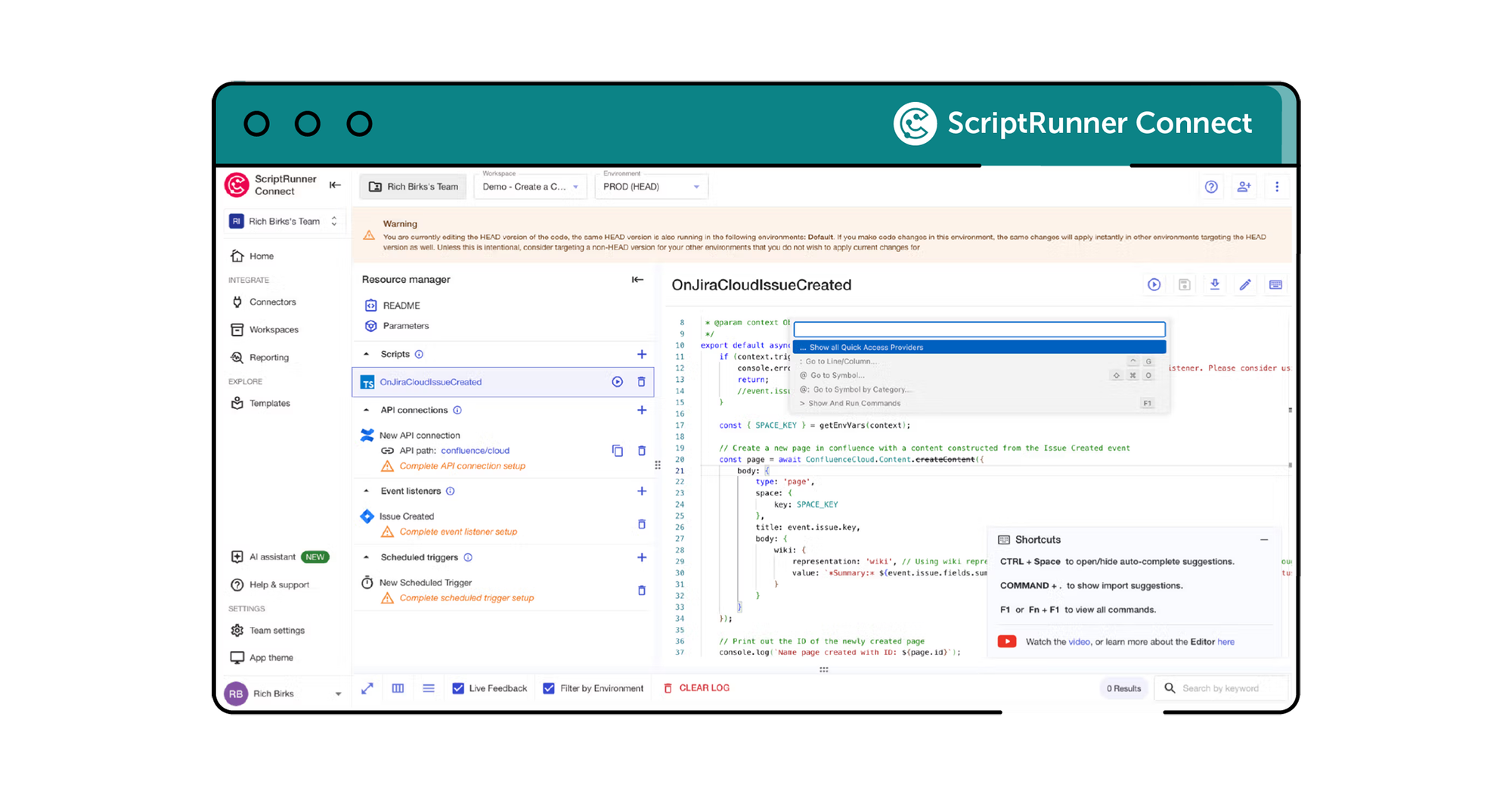
Managed APIs boost productivity and improve the developer experience by reducing the need to rely heavily on third-party API documentation as docs are pulled in automatically as you type code. Plus, they also include automatic retries, error handling and facilitate external API discovery.
ScriptRunner Connect screenshot showing another menu in the template for API customisation

Meet your Customer Success Team

Get a custom, private demo from one of our integration experts so you can chat freely about your specific challenges!

More where that came from

ScriptRunner Connect is filled with rich features to help teams like yours build your best-ever integrations.
Pink scripting code block icon with two yellow sparkles above it

Remote workspace (NEW)

Build and manage integrations from your own development environment.
Learn more
Icon of a computer monitor and table lamp

Workspaces

Use workspaces for building, managing, and collaborating on your integrations.
Learn more
Icon of a browser window with a book outline inside it

Templates

Kickstart integrations with pre-built templates for common automation, synchronisation, and migration use cases.
Learn more
Icon of a plug and socket inside a grey cog

Connectors

Manage integrations with pre-built Connectors and a Generic Connector for secure and automated authentication.
Learn more
Icon of a calendar with a clock outline inside it

Custom triggers

Choose from event-based triggers, manually triggering an integration script or time-based scheduled triggers.
Learn more
Pink lightning bolt icon inside a teal circle

AI assistant

Generate scripts, learn the product's full capabilities and find relevant out-of-the-box use case templates.
Learn more
Icon of three smiling people

Teams

Collaborate in shared workspaces to align on integrations for a faster time-to-value.
Learn more
Teal shield icon with a grey cloud symbol within it

Private cloud hosting

Run ScriptRunner Connect in your isolated AWS environment for maximum security.
Learn more
Icon of three colourful stars

US data residency

AWS-powered infrastructure for enterprise-grade security, reliability and performance.
Learn more
Icon of a pink cog inside a teal shield

Security

Rely on the expertise and security-first credentials of the teams behind ScriptRunner.
Learn more

Sound like what you need?