Sync issues across two Jira Cloud instances
Eliminate duplicate work and create a single source of truth across your Jira instances.

Overview
Managing just one instance of Jira is no easy feat, but when one becomes two, it can feel a bit like a juggling act, except the balls are covered in grease. Spending time updating the same issue on different instances, maintaining more than one instance, and double-checking report data is accurate are all obstacles that can make you, and the teams relying on these systems, ‘drop the ball’.
With ScriptRunner Connect, you can sync Jira issues across separate Cloud instances, which means no more juggling, no more constant switching back and forth and no more wasted time.
Who is this template for?
Anyone who finds themselves temporarily or permanently working on two Jira Cloud instances. Such as:

Cross-company collaboration
Organisations that work with external partners, vendors, or clients may benefit from working across both companies' Jira Cloud instances. This allows both parties to track progress, share bug reports, and stay aligned, without having to switch between systems or grant access to internal information.
Mergers and acquisitions
When two companies merge, they may both have Jira instances containing business-critical data. This template can facilitate the integration and alignment of information, helping teams from both organisations collaborate seamlessly.

Decentralised business units
Large organisations may have separate Jira instances owned by different departments or business units. This template can be used to create a single source of truth for company-wide projects or initiatives.

Customer support and development handoff
Customer support teams using Jira Service Management can automatically sync support tickets to the development team's Jira Software instance. This provides real-time access of customer-reported issues to the development team, while the support team are automatically kept up to date on progress of the fix.
Why you should use this template
- Keep data consistent:
By automatically syncing issue fields, comments, and attachments, the template ensures that everyone is working with the most current and accurate information. This eliminates the risk of human error from manual updates and reduces data discrepancies.
- Reduced manual workload:
This automation removes the need for teams to spend time on tedious, manual tasks like importing, exporting, and duplicating information between instances, freeing up time for more valuable work.
- Enhanced collaboration:
Teams working across multiple Jira instances can collaborate more easily, helping everyone stay aligned and informed in their own environment without having to check a separate system.
- Increased security and autonomy:
Teams can share necessary information with external parties without granting full access to their Jira instance and potentially exposing sensitive data.
Prerequisites


About the integration
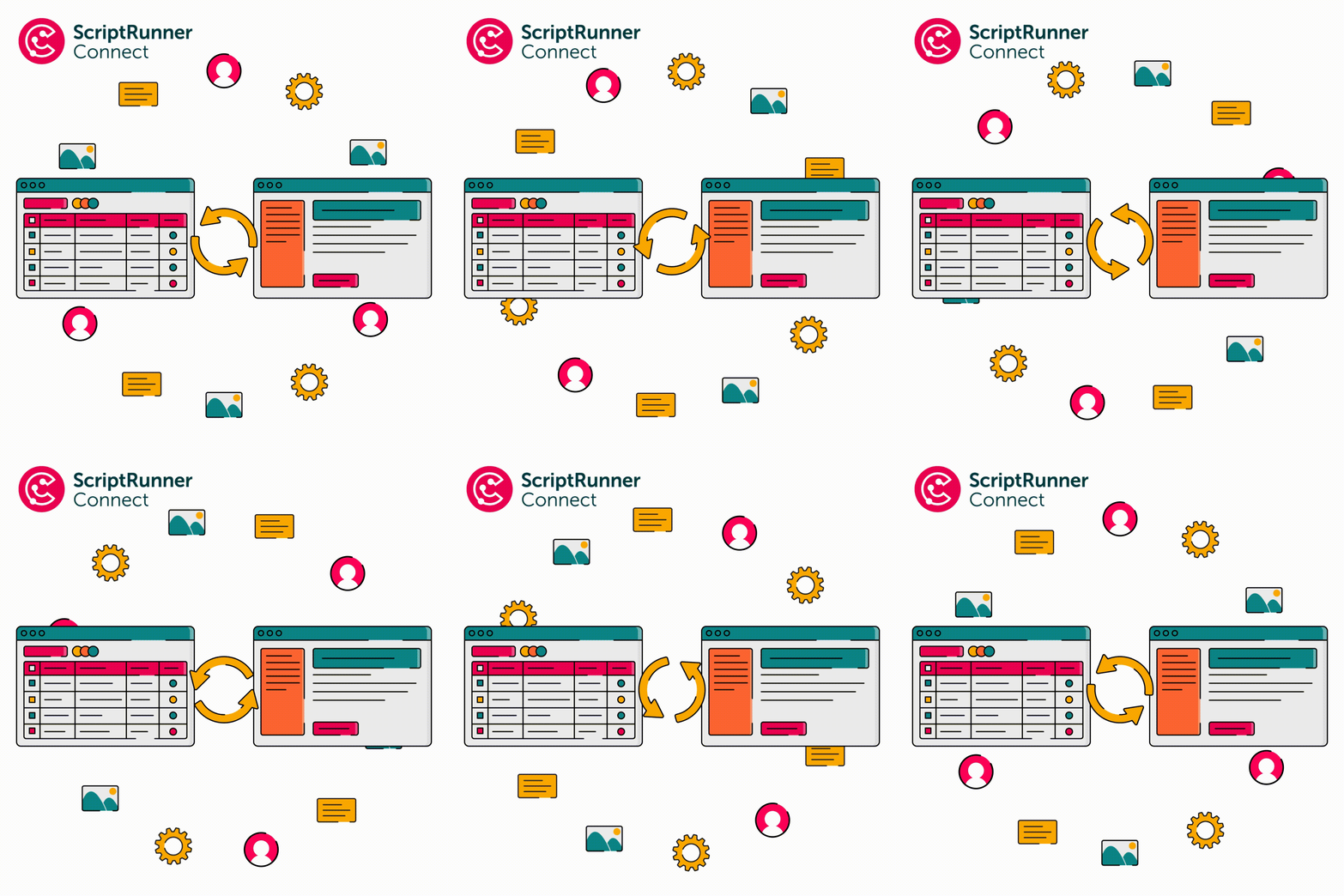
When an issue is created in Jira Cloud, a corresponding issue is created in a separate instance, or across the project within the same instance. Updates on both sides will be kept in sync.
Any or all of these fields can be synced:
- Summary
- Issue Type
- Reporter
- Assignee
- Status
- Priority
- Comments
- Description
- Impact
- Change Reason
- Change Risk
- Change Type
- Epic Name
- Due Date
- Labels
- Issue Links
- Attachments
- Custom Fields