
Maria Barrios
Published on 14 January 2026
The fastest way to build and test ScriptRunner Behaviours in Jira Cloud
Transform plain-language instructions into error-free, ready-to-use Behaviours scripts—instantly—with Behaviours bot.
Behaviours bot empowers every ScriptRunner user—regardless of coding experience—to enforce business rules with confidence. Enjoy dramatically reducing development time, training costs, and production errors with:
- natural-language script generation
- built-in testing
- zero coding required
The Behaviours bot removes the complexity of writing scripts manually or wrestling with generic AI tools. Whether you’re technical or not, you can now build and test Behaviours in minutes, without needing to learn Groovy or spend hours iterating on prompts.
Haven't tried ScriptRunner yet?
Behaviours bot is available as part of ScriptRunner for Jira Cloud.

Get started
Getting started is easy:
- Open ScriptRunner for Jira Cloud and navigate to Behaviours.
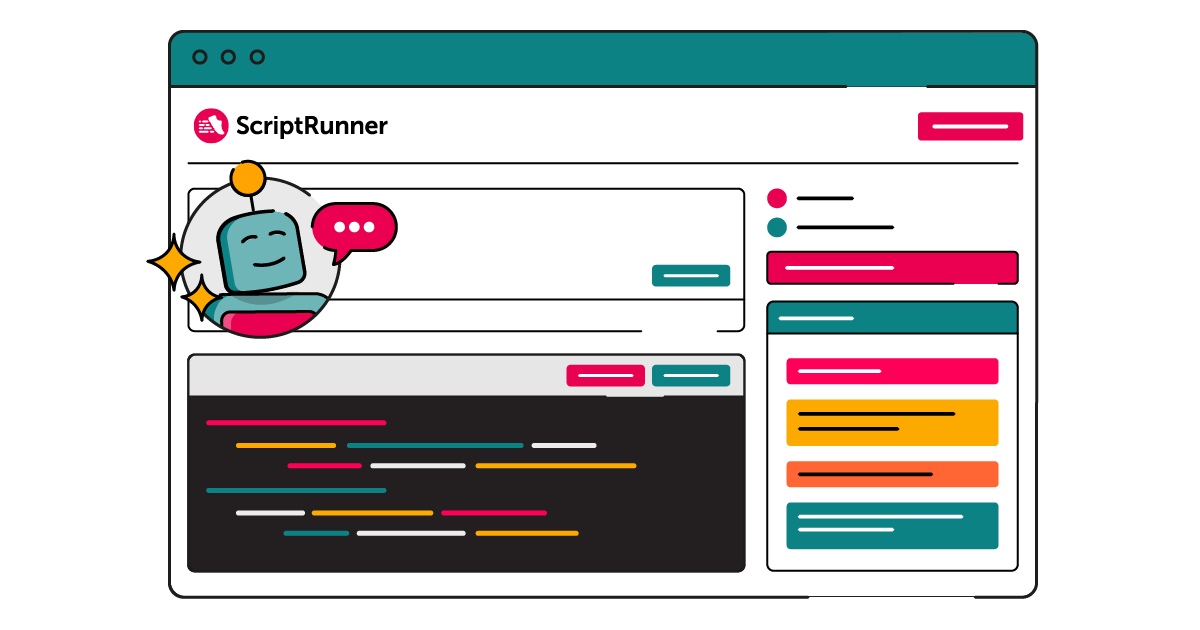
- Access the Behaviours bot from the banner at the top of the Behaviours tab. You’ll also find it when creating or editing a Behaviour, directly inside the script editor modal.
- Describe what you want in everyday language—this will be the prompt the bot uses to generate your script.
- Before submitting your prompt, fill out the context panel on the right-hand side. This helps the bot understand your environment and generate the best possible script. You can specify:
- View (Create or Issue — Transition View is not available yet)
- Issue type
- Additional details like Summary, Components, and more
- Submit your request. The bot will produce a script and automatically check it for errors, giving you immediate feedback.
- Use the built-in re-run button to execute the script as many times as needed until you're happy with the outcome.
- Once satisfied, copy the generated script and paste it into the Behaviours script console save it in your instance.
Check out this video for a more detailed walkthrough.
What can you do with Behaviours bot?
Generate a Behaviours script from scratch
- Describe your requirements in plain language—for example, “Make the Priority field mandatory when Issue Type = Bug”—and the bot instantly produces a complete Behaviours script with the correct logic and syntax.
Review and test an existing script
- Paste your existing script into the bot and ask it to identify errors, explain issues, or optimise the logic. You can then run tests directly in the interface to validate the updated script.
Add code snippets to extend a script
- Need to introduce new conditions or additional field behaviours? Tell the bot what you want, and it will update your existing script with the correct snippet—cleanly integrated and error-free.
Ready to try Behaviours bot?
For a more extensive breakdown of what you can do with Behaviours Bot, check out our documentation.